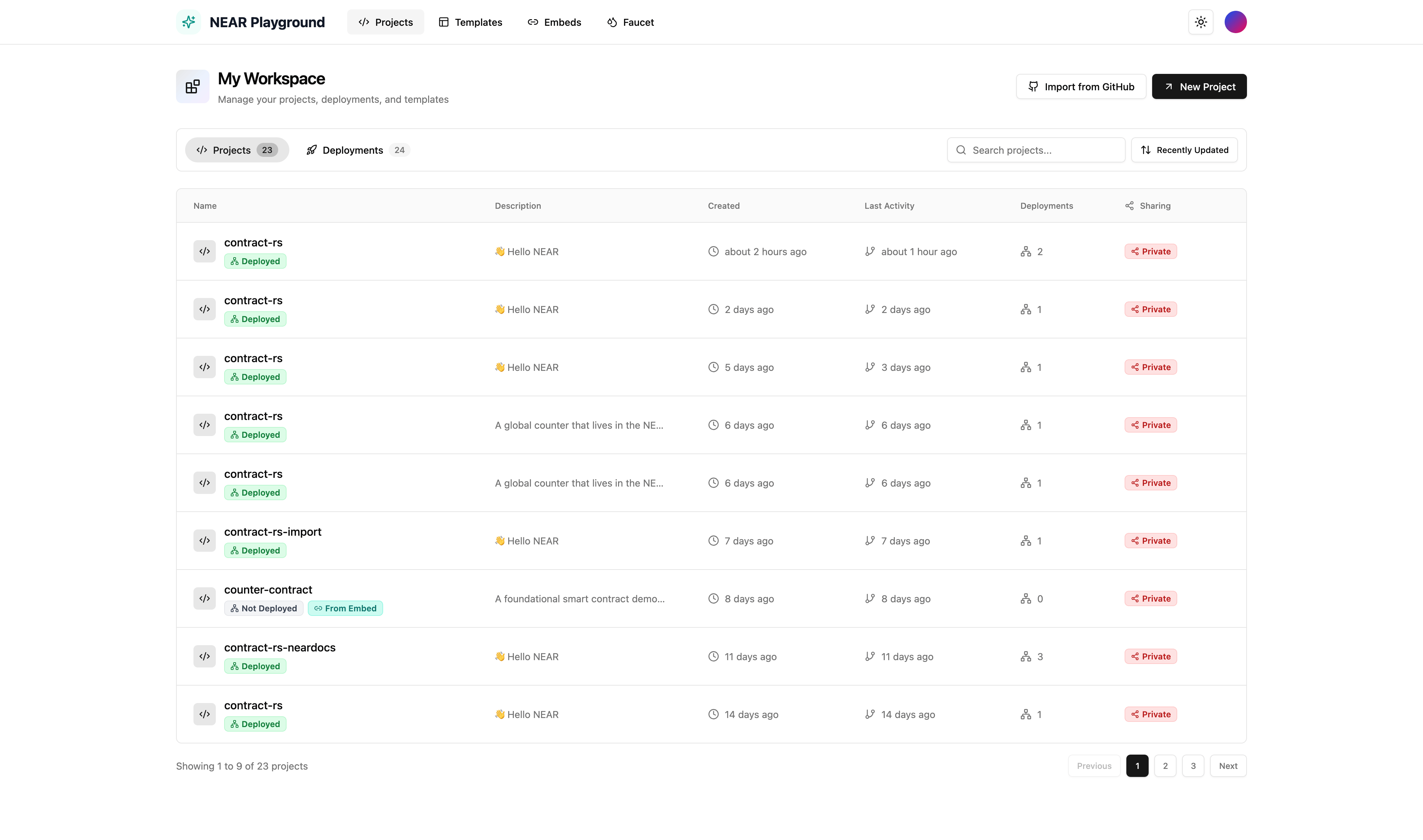
Create a New Project
- Click New Project from the projects dashboard
- Choose your starting point:
- Blank Project - Start with an empty
lib.rsfile - Template - Choose from pre-built contract templates (Counter, Greeting, etc.)
- Blank Project - Start with an empty
- Enter a project name
- Click Create
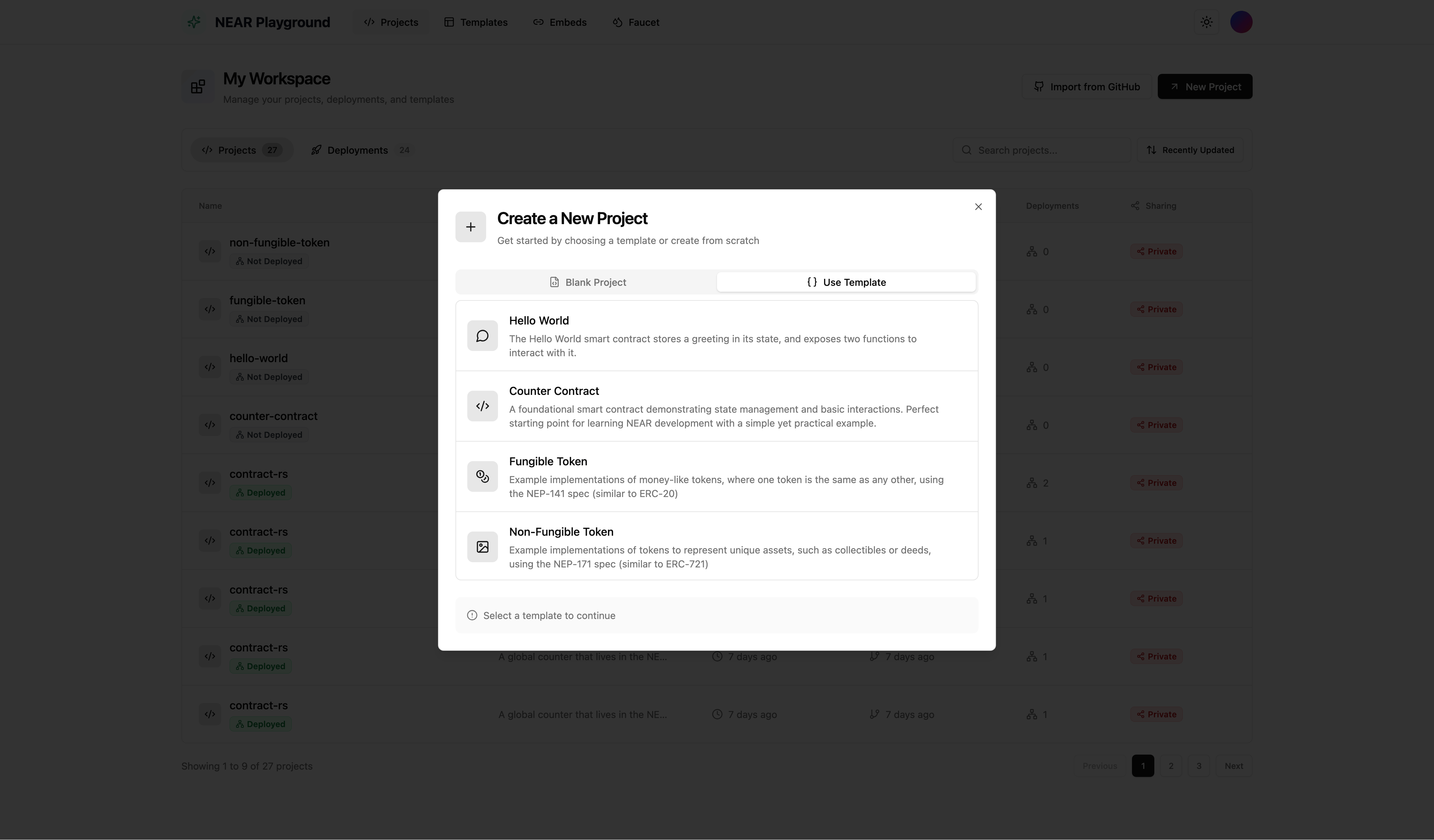
Import from GitHub
Import an existing NEAR smart contract directly from a GitHub repository.- Click Import from GitHub on the projects dashboard
- Enter the GitHub repository URL (e.g.,
https://github.com/user/my-contract) - Select the branch and folder containing your contract
- Click Import
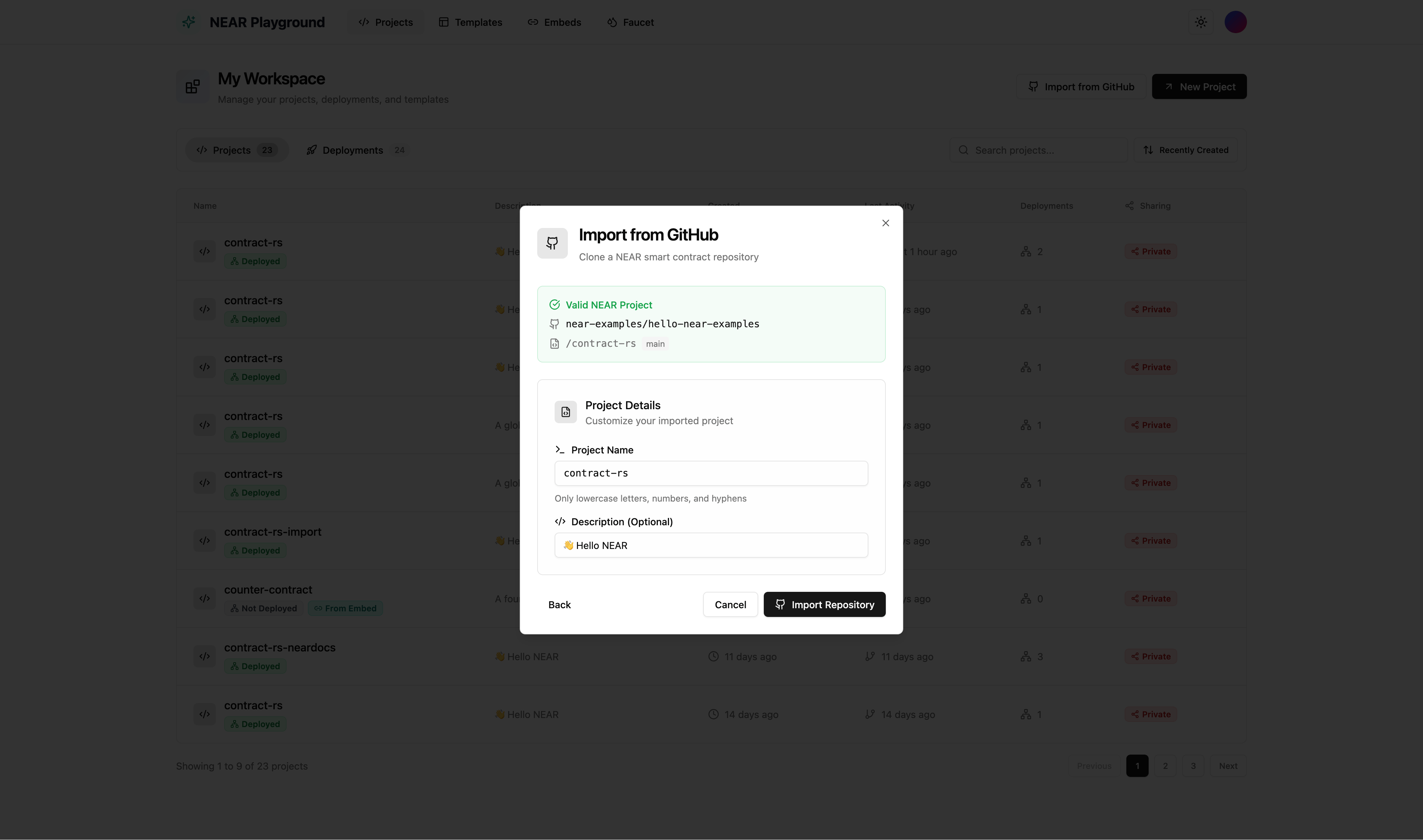
View All Projects
The projects dashboard shows all your contracts in one place.- Search - Find projects by name or description
- Sort - Order your projects by:
- Recently Created (default)
- Oldest Created
- Recently Updated
- Oldest Updated
- Name (A-Z)
- Name (Z-A)
- Actions - Open in new tab, edit, export as zip, or delete